%20-%20All%20Logos_Primary%20-%20Full%20Color.png)
Communication That Creates Confidence: A Better Approach to Swim Team Communication


Introduction
Running a swim program means communicating constantly.
Practice updates. Meet information. Registration deadlines. Schedule changes. Volunteer assignments. First-day instructions. Weather cancellations. The list goes on.
But more communication doesn’t necessarily mean better communication.
When information is unclear, incomplete, sent to the wrong people, or delivered at the wrong time, it often creates more work for your staff. Parents reply with questions, coaches get interrupted on deck, important deadlines get missed, and information has to be communicated all over again.
Great communication should do the opposite.
It should create confidence for your families while making your organization easier to run.
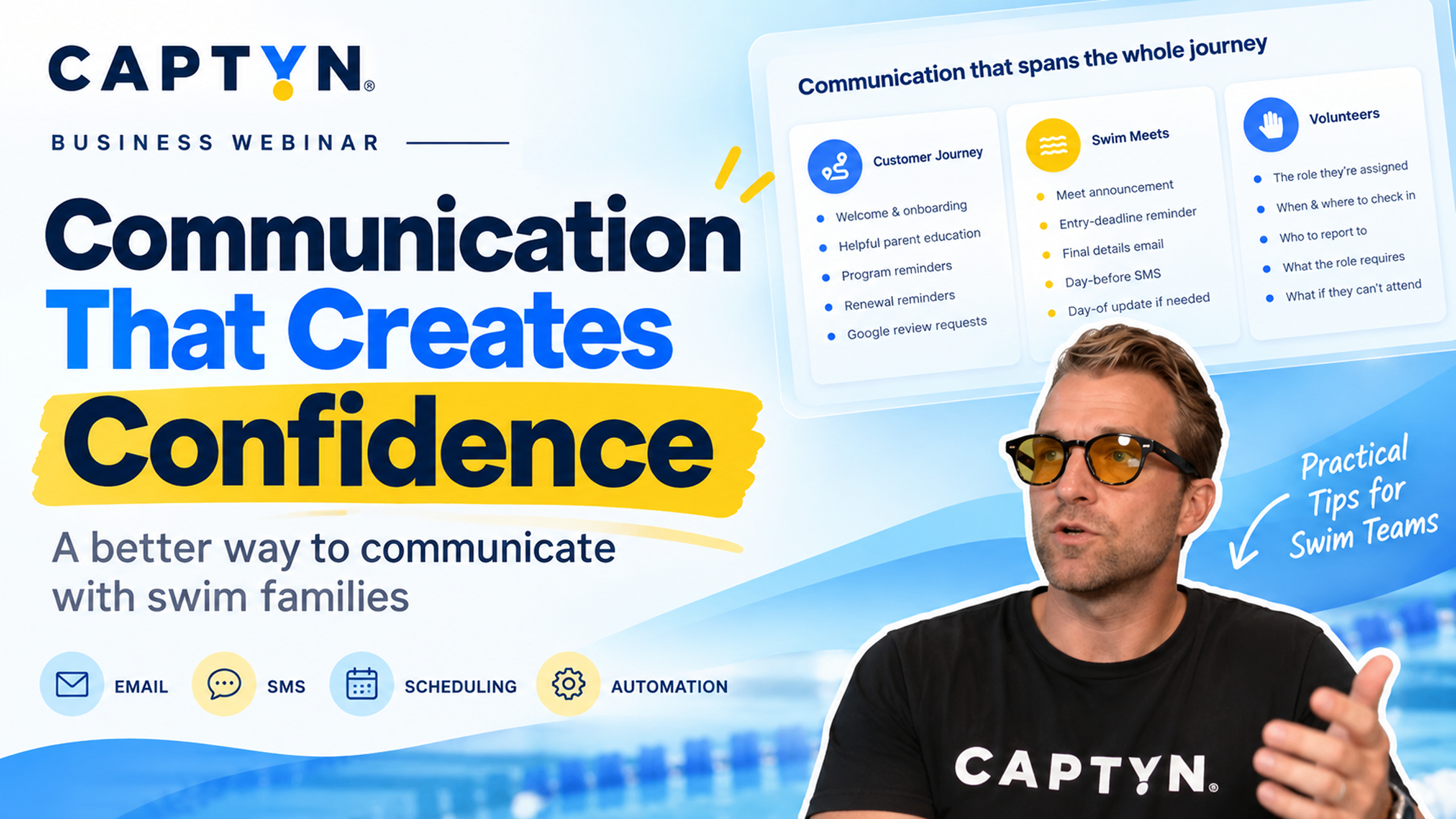
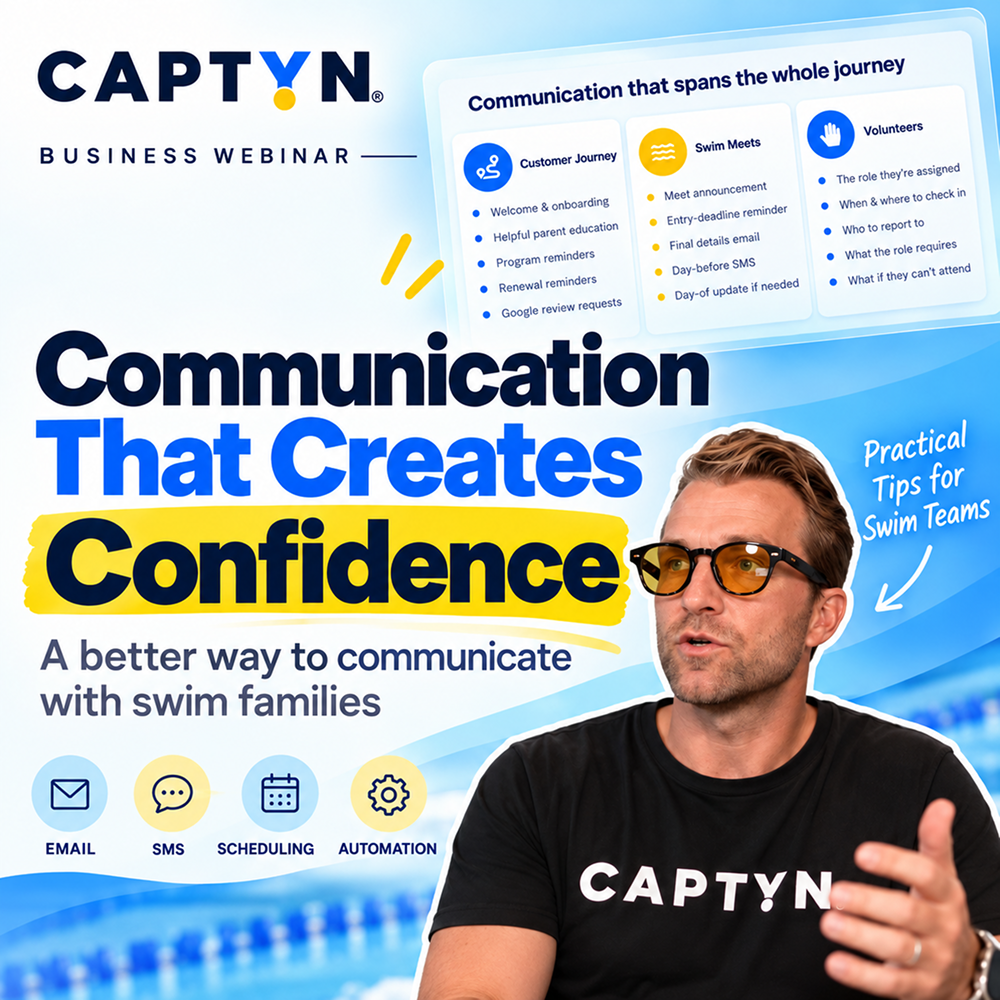
In our recent Business of Swimming webinar, “Communication That Creates Confidence,” we explored how swim programs can build a more intentional communication strategy—and how tools like email, SMS, scheduling, and automation can help deliver the right information to the right families at the right time.
The Five Elements of Great Communication
A useful framework for evaluating communication is to ask whether every message is:
Clear. Concise. Complete. Targeted. Timely.
Clear
Parents shouldn’t have to interpret what you’re trying to tell them.
Make the purpose of the message obvious, clearly state any action they need to take, and organize the information so they can quickly find what matters.
Concise
Families are busy, and many parents are reading your communication from their phones.
Long paragraphs and unnecessary explanations make important information harder to find. Keep messages focused and use formatting such as headers, bullets, and bold text to make longer emails easy to scan.
Complete
Concise doesn’t mean leaving out important details.
A good test is to look at the questions you receive after sending an email. If five parents reply asking the same thing, that’s a good indication the original communication was missing something.
The goal should be to answer the predictable questions before parents need to ask them.
Targeted
Not every family needs every message.
A parent of an eight-year-old swimmer shouldn’t have to sort through emails about a senior-group meet their child isn’t attending. When families regularly receive irrelevant communication, they’re more likely to start ignoring messages altogether.
Targeting communication helps keep each message relevant—and makes the messages you do send more valuable.
Timely
Even perfectly written information isn’t useful if it arrives at the wrong time.
Families need enough notice to plan and take action, but information sent too early can easily be forgotten.
Think about when a parent actually needs the information and schedule your communication accordingly.
Good Communication Creates More Confident Parents
Today’s parents are managing work schedules, school calendars, practices, competitions, extracurricular activities, appointments, and countless other responsibilities.
Your swim program is only one part of that schedule.
When parents know where to go, what to bring, what they need to do, and when they need to do it, they arrive more prepared and less stressed.
That confidence can affect the athlete experience, too.
Consider a swimmer’s first practice. A parent who knows exactly where to enter the facility, when to arrive, what equipment their swimmer needs, and where parents should wait can help their child arrive prepared and confident.
The communication experience is part of the customer experience.
SMS vs. Email: Use the Right Channel
Email and SMS aren’t interchangeable. Each serves a different purpose.
A simple rule is:
Use SMS when someone needs to know or do something right away. Use email to inform.
SMS works particularly well for:
- Practice changes or cancellations
- Urgent reminders
- Registration or meet-entry deadlines
- Weather-related updates
- Volunteer instructions
- Other time-sensitive actions
Email is better suited for information that requires more explanation, including meet details, onboarding information, schedules, policies, program updates, and weekly communications.
Sometimes the best approach is to use both.
You might send a detailed meet email containing everything families need to know, followed by a short text when an important deadline approaches directing parents back to that email.
Structure Emails for Busy Parents
The structure of an email can be just as important as the information inside it.
Parents shouldn’t need to read several paragraphs before discovering what you need them to do.
A useful structure is:
1. Most important information first
Start with the one thing the parent absolutely needs to know.
2. Clearly identify required actions
If someone needs to register, declare for a meet, purchase equipment, complete a form, or meet a deadline, make that obvious.
You can even use a header such as “Action Required.”
3. Organize supporting details
Use bullets and short sections instead of dense paragraphs.
4. Use descriptive headers
For a meet email, that might include:
- Warm-up Times
- Parking
- What to Bring
- Facility Information
- Volunteer Information
- Important Deadlines
This allows parents to scan the email and immediately find the information they need.
5. Include a reminder section
A simple “Reminders” section at the bottom of recurring emails can reinforce upcoming dates, deadlines, previously shared information, and important links without requiring an entirely separate message.
Write for the Phone, Not the Desktop
Most parents aren’t sitting at a computer carefully reading your emails.
They’re checking them between meetings, in the car before practice, on the pool deck, or while managing everything else happening in their day.
Design communication accordingly.
Keep paragraphs short. Use whitespace. Break information into sections. Bold the most important details. Avoid unnecessary scrolling whenever possible.
Before sending an email, open it on your phone and ask:
Can I understand the important information in a few seconds?
If not, simplify it.
Use AI as a Communication Editor
AI can be extremely useful for improving communication without replacing your voice or expertise.
Instead of asking AI to invent the message, start with the information you need to communicate and use AI to improve its structure.
For example:
Please rewrite this email to be as clear as possible. Make the information easy to scan for busy parents reading on their phones. Keep the information in the order provided, use clear headers, and remove unnecessary wording.
You can also ask AI questions such as:
Is there any information missing that a parent would likely need to know?
For SMS, give AI the message and a character limit and ask it to make the message shorter without removing the necessary information.
Think of AI as an editor: your organization provides the knowledge and context; AI helps package it more effectively.
Stop Sending Every Message Manually
Improving the content of your communication is only part of the opportunity.
The next step is improving when and how it gets delivered.
If your staff sends the same types of messages every season, there’s a good chance some of that communication can be scheduled or automated.
Consider onboarding a new family.
Instead of relying on a coach to remember every message, you could build a communication sequence:
Immediately after registration: Welcome to the team.
Seven days before the first practice: Here’s what to expect.
Four or five days before practice: Here’s what your swimmer needs to bring.
One day before: Check your email for everything you need for tomorrow.
After the first practice: Here’s what happens next and the best way to contact us with questions.
Every family gets a consistent experience without requiring a staff member to manually send every message.
Build Communication Around the Customer Journey
Onboarding is only one opportunity for automation.
Think through the entire customer journey and identify communication that happens predictably.
That might include:
Program communication: first-practice information, equipment reminders, scheduled breaks, session transitions, or parent education.
Swim meets: registration opening, declaration reminders, deadlines, warm-up information, facility details, and final instructions.
Volunteers: assignments, arrival times, meeting locations, and last-minute reminders.
Customer feedback: surveys or Google review requests after a family has been with your program for a certain amount of time.
The objective isn’t automation for automation’s sake.
It’s making sure important communication happens consistently without requiring someone on your staff to remember every individual message.
Targeting Can Eliminate Unnecessary Follow-Up
Meet communication is a great example of why targeting matters.
Suppose meet declarations close in three days and 20 swimmers still haven’t declared.
You could email the entire team.
But now families who already completed the task receive another message telling them to do something they’ve already done. Some will wonder whether their original response was recorded correctly and contact your staff to confirm it.
Instead, communicate only with the undeclared families.
The message becomes more relevant, the call to action becomes clearer, and families who already completed the task aren’t bothered unnecessarily.
This is the difference between simply communicating and communicating intentionally.
Use Scheduling to Give Your Staff Time Back
Communication systems shouldn’t just improve the parent experience. They should improve the staff experience, too.
During the webinar, we discussed an example of a swim program that sent its weekly family email every Sunday evening. Coaches contributed information throughout the week, but someone still had to sit down every Sunday to assemble and send it.
By moving that process earlier and scheduling the finished email to send automatically on Sunday, the team got that time back.
The parents received the exact same communication at the exact same time.
The difference was that nobody had to spend Sunday evening working to make it happen.
That’s the power of scheduling: the best time for your customer to receive a message doesn’t have to be the time your staff sends it.
Better Communication Can Create Less Communication
It sounds counterintuitive, but one of the best outcomes of a strong communication strategy is having to communicate less.
When families consistently receive relevant, useful information, they learn that your messages are worth paying attention to.
When those messages answer their questions before they need to ask them, your inbox gets quieter.
When parents know what to expect, they’re less likely to approach coaches during practice looking for information.
And when recurring communication is scheduled and automated, your staff spends less time remembering what needs to be sent and more time focused on running the program.
Great communication isn’t about sending more messages.
It’s about delivering the right information, to the right people, through the right channel, at the right time.
See It in Action with Captyn
During the second half of the webinar, we demonstrate how these principles can be put into practice inside Captyn.
That includes creating scheduled and automated email and SMS sequences, communicating with specific groups, targeting undeclared meet participants, building onboarding workflows, scheduling review requests, communicating with volunteers, and quickly notifying affected families when schedules or practices change.
Watch the full webinar above to see these workflows in action and learn how more intentional communication can create a better experience for your families—and less administrative work for your staff.
More Ways to Explore Captyn

Demo
See Captyn in action by exploring top features and watching a free demo of the platform

Success Stories
See how organizations of all sizes are operating and growing their businesses on Captyn

Live Events
Meet up and chat with us at one of the many live events we sponsor and attend all across the country